
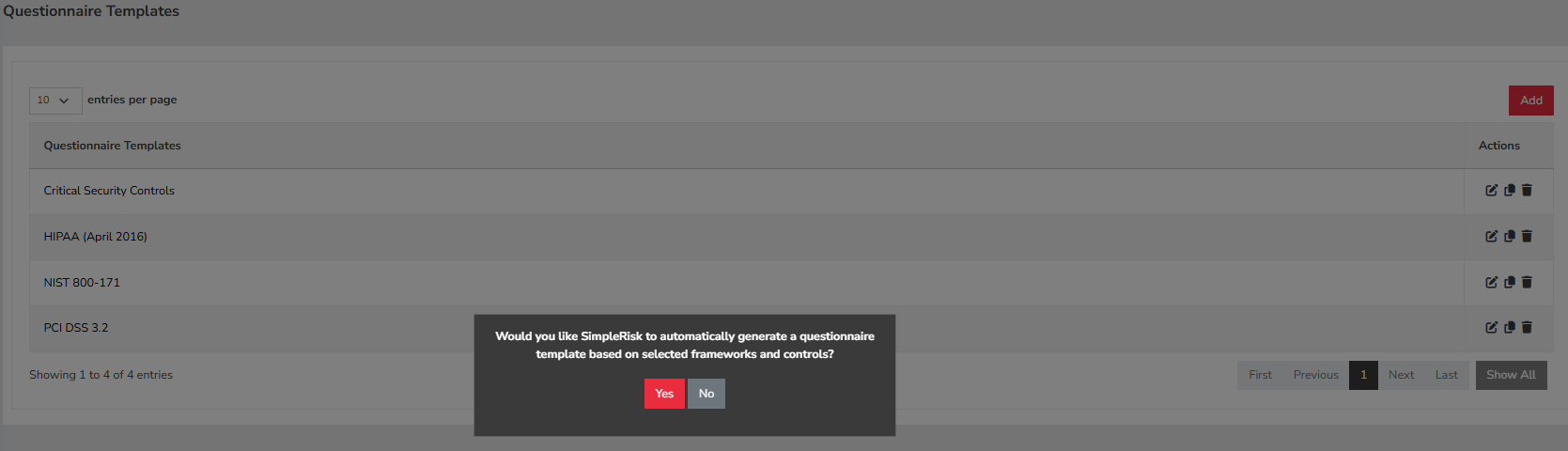
1. First, navigate to Configure in the main menu, then select Assessments followed by Questionnaire Templates. Once you’re on the Questionnaire Templates page, click the Add button. At this point, you will be prompted with the question, "Would you like Simplerisk to automatically generate a questionnaire template based on selected frameworks and controls?" Make sure to select Yes to proceed with the automated generation.
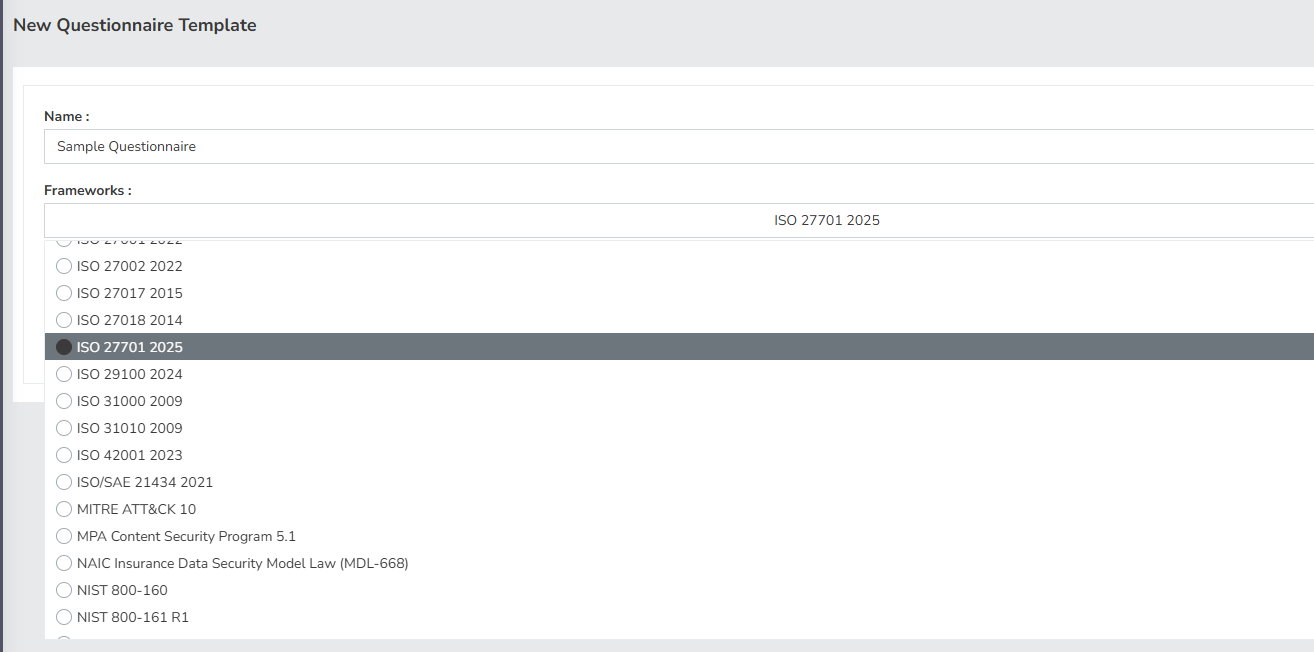
2. After selecting Yes, you will be redirected to a new page that allows you to choose the specific framework and controls that align with your requirements. It is important to carefully select the framework that corresponds to your assessment needs, as this will influence the questions included in your questionnaire.
3. Once you have made your selections, you will need to choose one of the two options for your questionnaire template. You can either select Generate a Standard Questionnaire Template, which is designed for general assessments, or Generate a Maturity Questionnaire Template, which is tailored for evaluating the maturity of your processes.
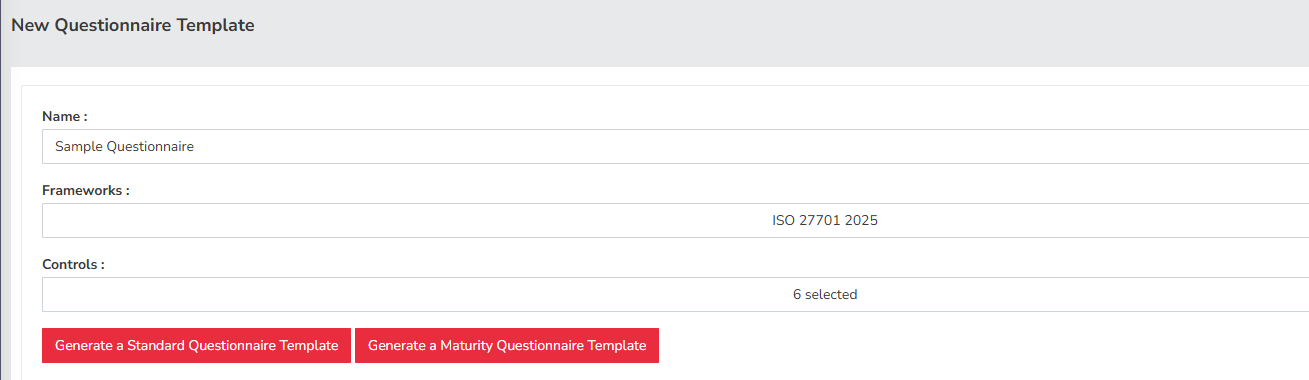
4. After you have completed these steps, the system will generate the questionnaire template based on your selections.